Ableton Live 12.4 introduces new ways to collaborate in Live, updates several native plug-in that were long overdue, and provides improvements for Push, Move and Note.
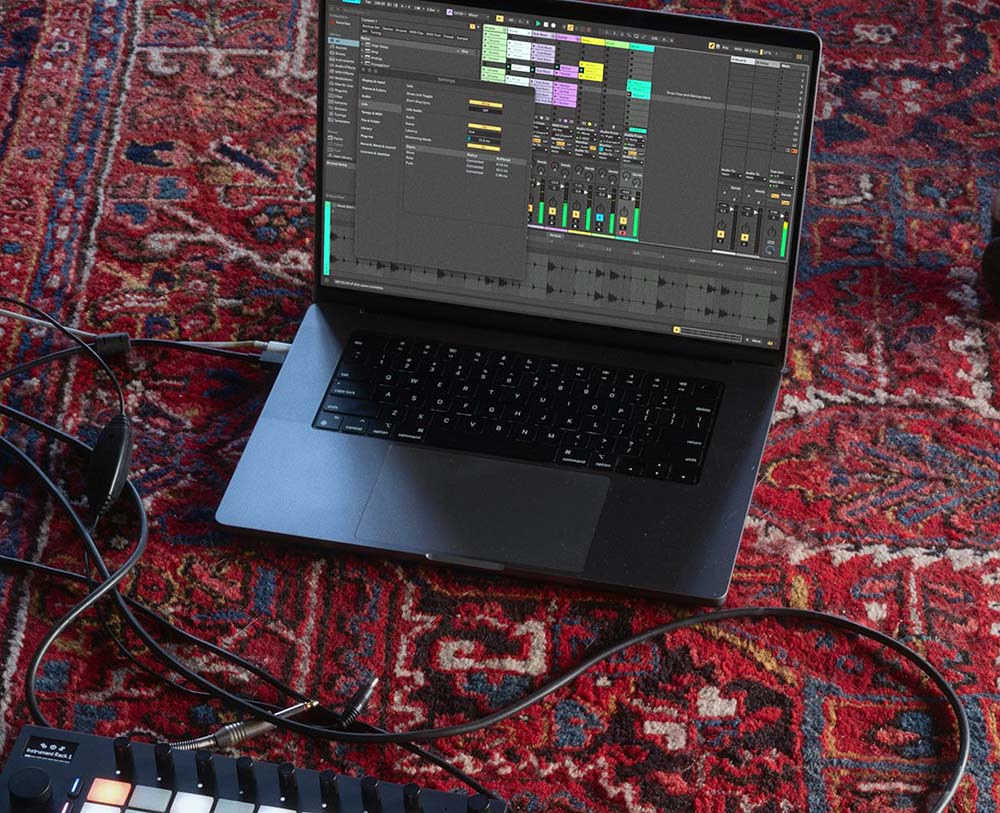
Live 12.4 adds Link Audio, letting you and your peers stream audio between Link Audio-enabled devices on a local network in real time. Audio from other players appears directly as an input in Live, letting you monitor and record external devices and apps without additional hardware, cables, or manual latency compensation.
Ableton Live 12.4

The easiest way for electronic musicians to get their music onto Spotify, Apple Music, iTunes, Amazon Music, Tidal, Instagram, Facebook, TikTok, Pandora, Twitch & much more! Click the banner above or the Go Button to save 7% off of your signup! GO!
Erosion, Live’s long-in-the-tooth signal degradation effect, is now available on Move and Note for the first time. It also gets a revamp on Live and Push, offering real-time spectrum visualization and the ability to smoothly blend between sine and noise modulation as well as mono and stereo noise. The updates to Erosion come in the form of a new device. The previous version, now named Erosion Legacy, will be accessible in older Live Sets.
Fans of Erosion and in for a nice upgrade…
A new embedded Learn View replaces Live’s Help View, offering structured tutorials that guide you through the basic workflows and core concepts of Live. Learn View combines short videos with written explanations, and videos can be watched in a floating window and progress tracked by checking off lessons as they’re completed.

Meris Enzo X Review
The Enzo X guitar pedal synth is ambitious and versatile, its effects engine broad and musical, and its connectivity and control make it suitable for modern performance and production environments. Is it worth the your money? Find out! Meris Enzo X Review
Stem Separation, which came to Live Suite in 12.3, is now more flexible. You can now separate a selected portion of a clip in Arrangement View, or process only the playable portion of a clip, rather than having to process an entire clip every time. Separated stems can now be merged onto a single track rather than generating individual tracks each time, making it simpler to remove specific stems like vocals. Finally, Stem Separation is now easier to monitor with a unified progress bar that tracks the entire operation, rather than per-stem.
It’s now even easier to use Push as a hub to connect, play and control all of your gear thanks to Link Audio and MIDI Mapping. 12.4 lets you create and modify MIDI Controller mappings from Push, and customize which control scripts your connected MIDI device uses. Control scripts can also be deactivated entirely, so that you can use custom mappings without conflicts. MIDI Mapping is also partly accessible via Live on Push 2 and the tethered version of Push 3. On Push Standalone, Link Audio lets you receive and share audio with other compatible devices, and individual channels of audio can also be shared.
12.4 also offers more detailed control over Max for Live devices. A new Visible option allows Max for Live devices to add more parameters directly to the device view on Push 2 and 3. This expands the range of parameters that can be controlled on Push to features like modulation mapping in LFO or calibration in CV Instrument.